
Case study · Manual logo vectorization
Aletheia Wellness: From AI Reference to Vector Branding
Existing wellness branding recreated by hand, with refined dusty rose and warm taupe colours, separate logo variations and client-supplied photos showing the artwork on a T-shirt.
The brief: preserve the identity and make the artwork usable
The client had already developed the brand's look and described the original branding designs as made with ChatGPT. The request was to recreate the existing identity as clean, editable vector artwork, while keeping its elegant, calm and minimalist character.
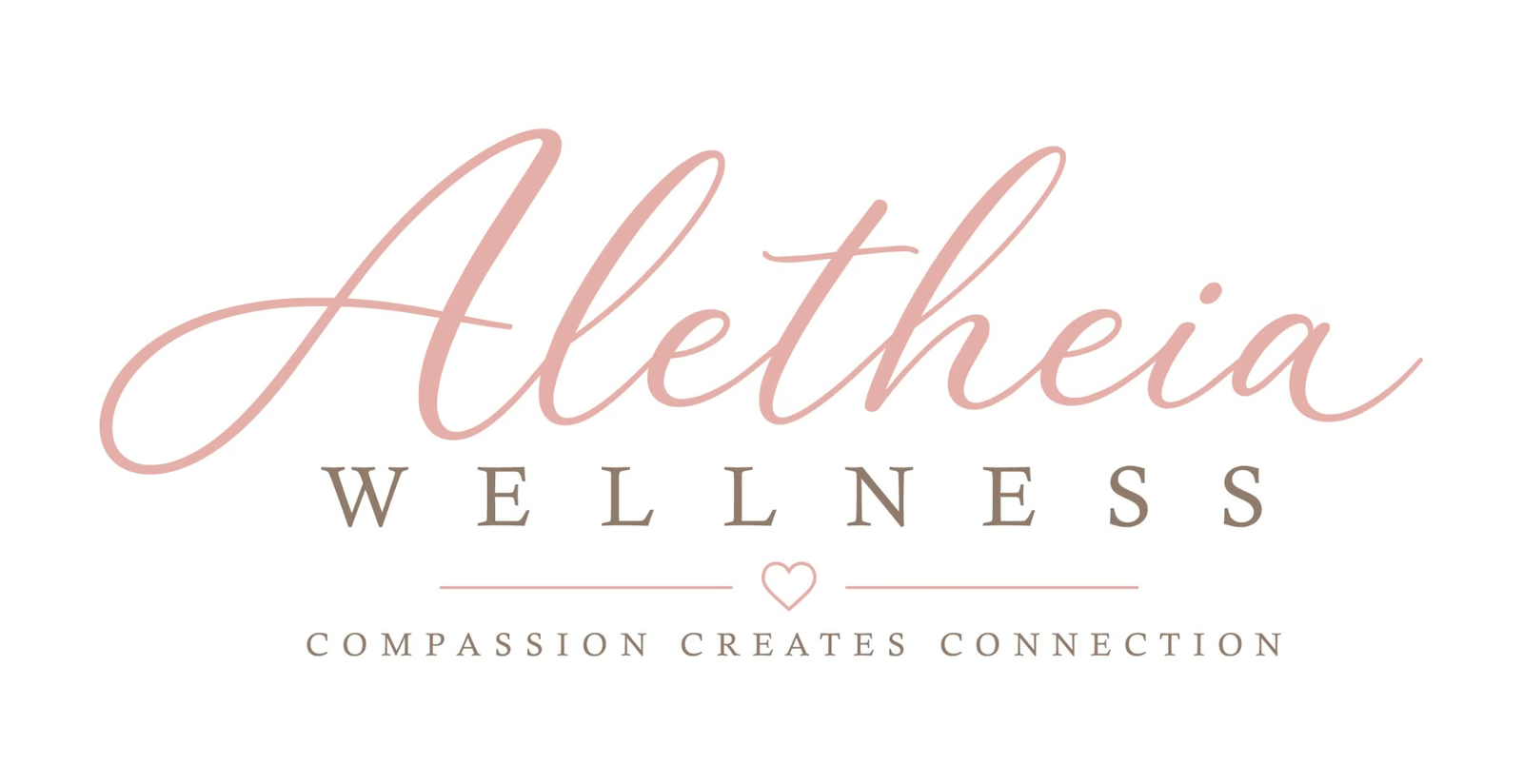
The Aletheia script, the spaced WELLNESS lettering, the small outline heart and “Compassion Creates Connection” tagline were the details to retain. The wider brief also included business cards and an event banner, making a consistent master logo important across the branding.
Colour was a specific concern. The client wanted dusty rose and warm taupe rather than the orange-red appearance she was seeing when moving the reference into Canva.

Manual reconstruction, with the existing design as the guide
I rebuilt the logo artwork in Adobe Illustrator using vector paths, without Image Trace or automatic tracing. The work focused on the lettering, curves, spacing and alignment while retaining the identity the client wanted to keep.
The previews show the script paired with widely spaced capitals and the heart between two horizontal rules. Those elements are checked together so the wordmark, supporting text and tagline read as one logo.
The flat-colour version separates the dusty rose script and heart from the warm taupe supporting lettering. A separate rose-gold-style variation keeps the same rebuilt layout with a different digital finish.

Different backgrounds need different exports
In a follow-up, the client asked for versions of the business-card artwork without a fixed background, so the information could be placed on different card colours and other materials.
That request illustrates why a logo master, a complete card layout and a transparent preview serve different purposes. A white background in a JPG preview is not evidence of transparency. The images on this page are web previews of the reference and recreated logo variations.
For the reconstruction process, see the AI-logo-to-vector service and the guide to rebuilding an AI logo for printing.
The logo on real apparel
The client later shared these photographs of the logo on a T-shirt, including a small chest placement and a larger view of the artwork. These are customer photographs of a physical garment.
Printing method not confirmed. The photographs document apparel use; they do not establish whether the decoration was made using DTF, screen printing or another method.


The photographs show how the branding appears on a real garment. A separate printer's specification is still needed when preparing the identity for a new garment, size or production process.
Using the right version for the next application
The flat-colour logo, rose-gold visual preview and client-supplied T-shirt photographs show different aspects of the work. A metallic-looking preview is a visual presentation; a future foil or metallic-ink job would need its own supplier setup.
Keep the approved logo variations available for future layouts, and confirm the final size and printing method before adapting them. The screen-printing guide explains the artwork questions to ask, while the logo vectorization service covers rebuilding an existing identity.
Artwork reconstruction by Muhammad Usman.
Have an existing logo that needs a usable vector master?
Send your reference, the elements you want to preserve and where the artwork will be used. I will review the detail and required versions before confirming the scope.